
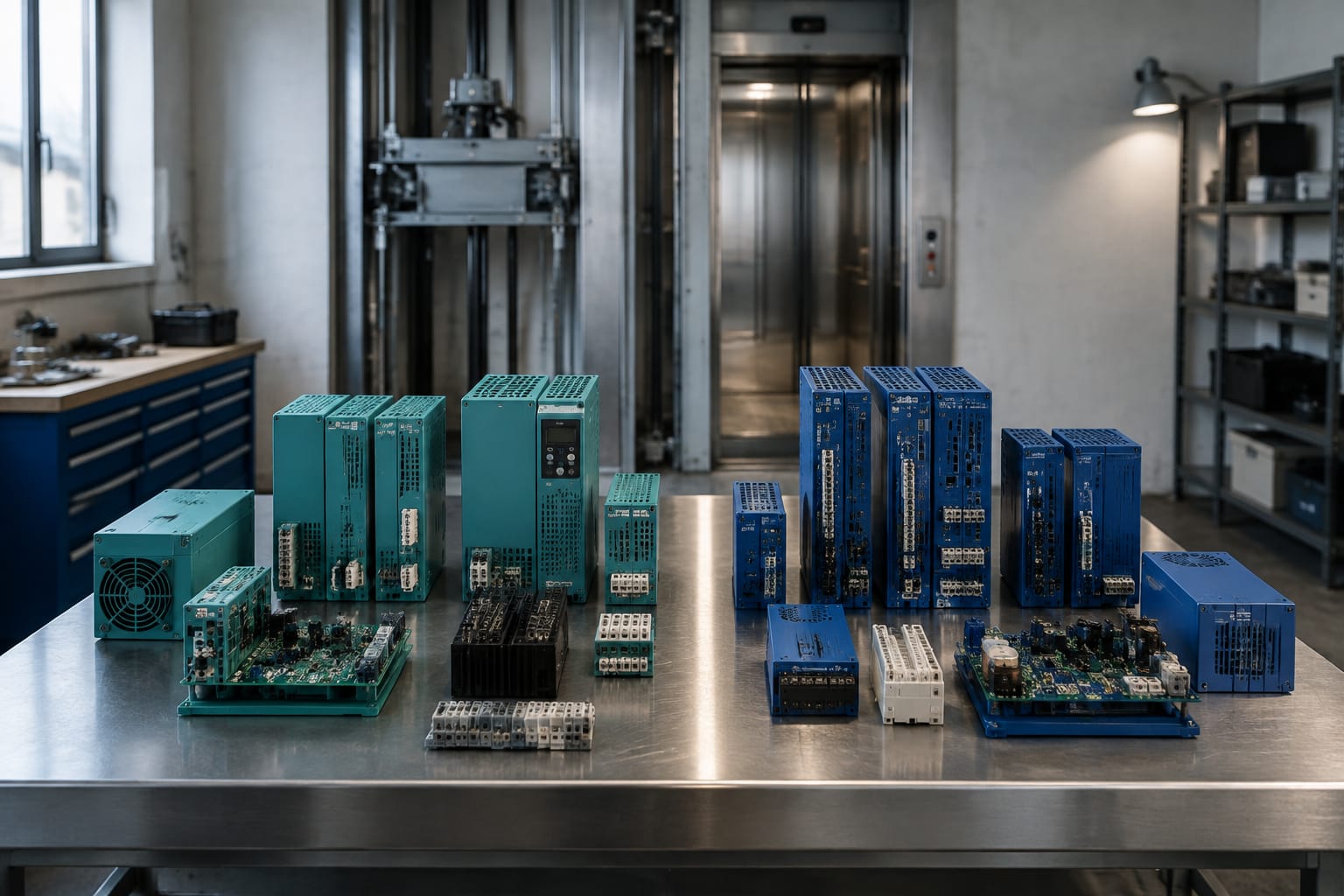
KONE and Sigma elevator parts should be sourced as separate product families. A board that looks similar, has a related function, or fits the same cabinet area is not automatically interchangeable. The correct purchase decision starts with the elevator’s documented controller, drive, door operator, and original component identification, then confirms the exact electrical and communication requirements.
For maintenance contractors and sourcing teams, the most reliable approach is to treat every replacement as an identity-and-compatibility exercise. Match the original part number and revision first. Then verify function, voltage, connectors, firmware or protocol requirements, and the equipment configuration in which the part will operate.
KONE and Sigma are distinct product families
KONE and Sigma are separate elevator product families with their own controller architectures, board naming systems, wiring conventions, software environments, and replacement-part histories. Even where a component category is the same, such as a power board, car communication board, drive board, or door controller, the specific implementation can differ substantially.
The practical sourcing rule is simple: do not use the brand name alone as the identification method. “KONE board” or “Sigma board” is a starting point for research, not a purchase specification.
A replacement may be unsuitable when it has any of these differences:
- A different controller generation or cabinet family
- A different board revision or firmware requirement
- A different input or output voltage
- A connector with a similar shape but different pin assignment
- A different serial, CAN, or proprietary communication arrangement
- A different door operator, machine drive, or car equipment configuration
- A regional or project-specific equipment variation
This distinction matters especially during modernization work. A building may have a newer controller attached to older field equipment, replacement door hardware, or prior repair modifications. The elevator may be identified by one brand at the landing, while critical equipment inside the controller cabinet belongs to a different generation or has been changed over time.
Do not infer compatibility from the elevator’s exterior branding, fixture style, or a technician’s visual memory of a similar installation. Use the actual equipment records and labels from the affected unit.
Identify the elevator before the component
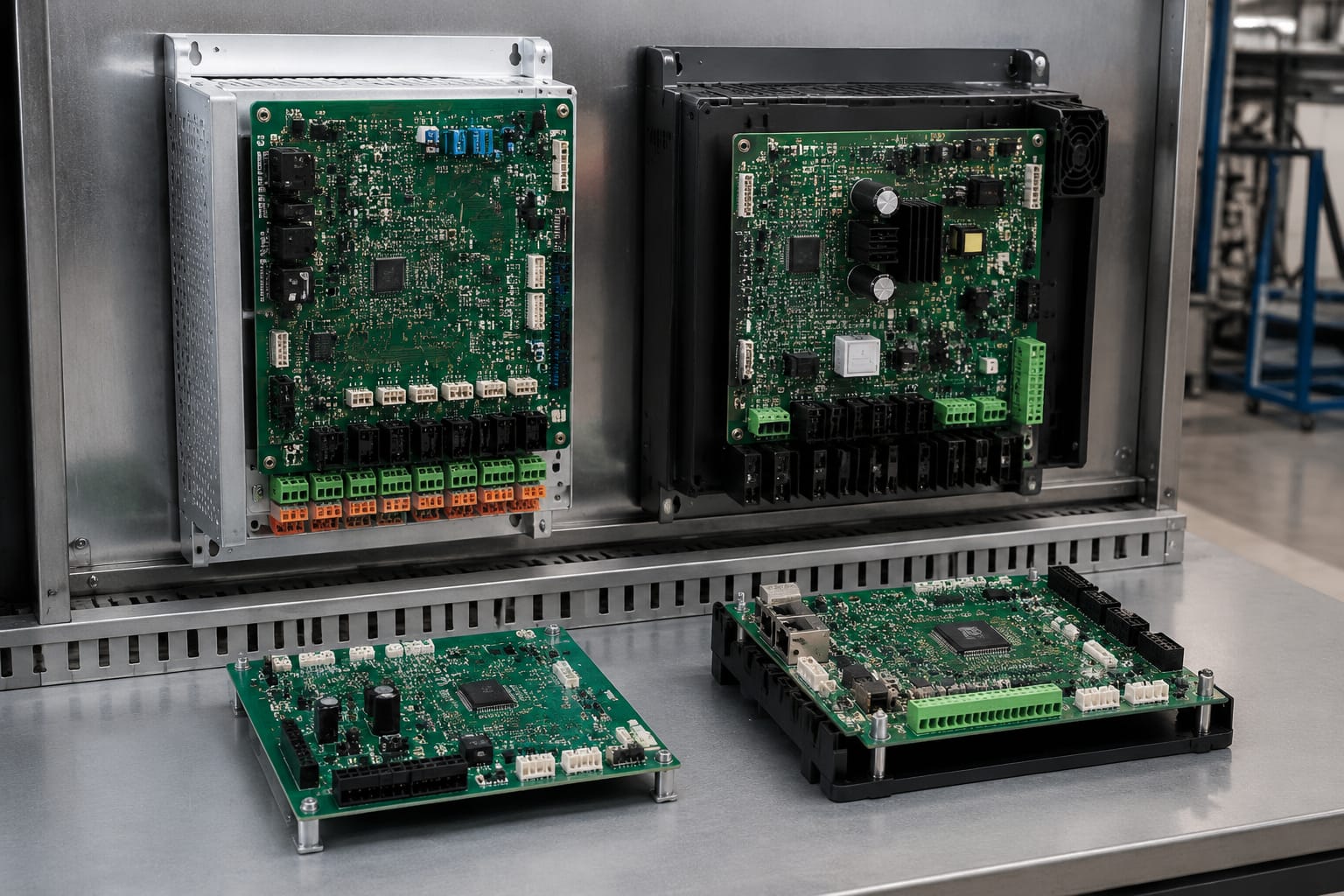
Before identifying a failed board or ordering a replacement, establish exactly which elevator system is in front of you. This prevents a common error: correctly identifying the component category but assigning it to the wrong controller family.
Start with the elevator documentation and equipment labels. The most useful details are typically found in the controller cabinet, machine room or machinery space, car top equipment, drive enclosure, and the failed component itself.
Collect the following information before requesting a quote or comparing inventory:
- Elevator manufacturer and product family
- Controller model or cabinet designation
- Job, unit, or installation identifier where available
- Original component part number
- Board name, designation, and revision level
- Machine drive model, when the issue involves traction or hydraulic drive control
- Door operator model, when the issue concerns door behavior
- Car communication or serial network board details
- Clear photos of both sides of the original board
- Photos of connector positions, labels, and any jumpers or switches
- Fault descriptions and whether the fault is repeatable
- Any documentation showing prior controller, drive, or modernization changes
The original component label generally has more value than a broad equipment description. For example, “Sigma communication board” may identify the functional category, but it does not confirm the connector layout, network role, software compatibility, or revision required for a specific controller.
Build a part-identification record
A short, standardized record reduces repeated questions between field technicians, purchasing staff, and suppliers. It also creates a usable reference if the same board fails later in another unit.
Include these fields in the record:
| Field | Why it matters |
|---|---|
| Manufacturer and equipment family | Separates KONE and Sigma sourcing paths |
| Controller model | Identifies the compatible system architecture |
| Exact part number | Primary match point for the replacement |
| Board designation | Clarifies the board’s role within the system |
| Revision or issue number | May affect electrical or software compatibility |
| Serial number or manufacturing code | Can help trace a production variant |
| Connector count and labels | Helps prevent incorrect physical matches |
| Voltage markings | Confirms power requirements |
| Photographs | Allows label and connector verification |
| Existing fault symptoms | Helps distinguish a failed board from a field fault |
When a part number cannot be read, provide high-resolution photographs rather than relying on a verbal description. A photo of the full board, close-ups of every label, and a view of both connector sides can reveal identifiers that are easy to miss in the field.
Compare board names and functions
Board names are useful, but they should be interpreted as functional descriptions rather than proof of interchangeability. A “power board” may distribute low-voltage supply, monitor inputs, support relay outputs, or provide a specific controller interface. Two boards with that name can serve entirely different purposes.
Use the board’s documented function to narrow the search, then validate the exact number, revision, and electrical interface.
| Board category | Typical role | What to compare before sourcing |
|---|---|---|
| Main controller board | Executes elevator logic and interfaces with system inputs and outputs | Controller family, software requirements, I/O layout, board revision |
| Power board | Converts, regulates, distributes, or supervises power within the system | Input and output ratings, fuse arrangement, connectors, load role |
| Car communication board | Links the controller with car equipment or a car network | Protocol, cable type, network position, termination and revision |
| Drive board | Supports motor-drive control or the interface between controller and drive | Drive model, motor application, feedback method, control interface |
| Door board | Controls or interfaces with door operator functions | Door operator model, voltage, sensor connections, travel configuration |
| I/O board | Expands or conditions field inputs and outputs | Point count, signal type, common wiring, addressing method |
The same functional label can cover multiple generations. For example, a car communication board may use a similar connector arrangement while operating on a different network protocol or serving a different position in the car system. Installing it without verification may create communication loss, intermittent faults, or no operation at all.
Avoid choosing a board solely because it shares one visible feature with the original, such as the same number of connectors, similar relays, or a matching form factor. Board-level compatibility depends on how the controller expects that board to behave.
Use the failed board carefully
A failed board is still valuable as an identification source, but it is not necessarily proof that the board is the root cause. Before replacing it, assess whether the failure may have been caused by a wiring fault, power-supply issue, damaged connector, moisture exposure, grounding problem, or failed peripheral device.
Replacing a board into an unresolved field fault can damage the replacement or leave the original symptom unchanged. Record relevant measurements and fault codes under qualified maintenance procedures before treating the board as the only failed item.
Record labels, codes, and revisions
The exact label is the foundation of correct KONE Sigma parts sourcing. Record every identifier printed, stamped, engraved, or attached to the board and its enclosure. Do not omit suffixes, spaces, hyphens, revision letters, or date codes unless the label itself is unclear.
A part number may include information about the assembly, the hardware version, the supplied configuration, or a production change. What appears to be a minor suffix may distinguish a compatible board from one intended for a different controller version.
Capture at least:
- Full manufacturer part number
- Assembly number, if separate
- Board name or PCB identifier
- Revision, issue, or version marking
- Firmware label or chip label, when visible
- Serial number and barcode data
- Date or batch code
- Connector labels
- Jumper, dip-switch, or rotary-switch positions
- Any handwritten service notes that identify prior replacement activity
Why revisions need separate review
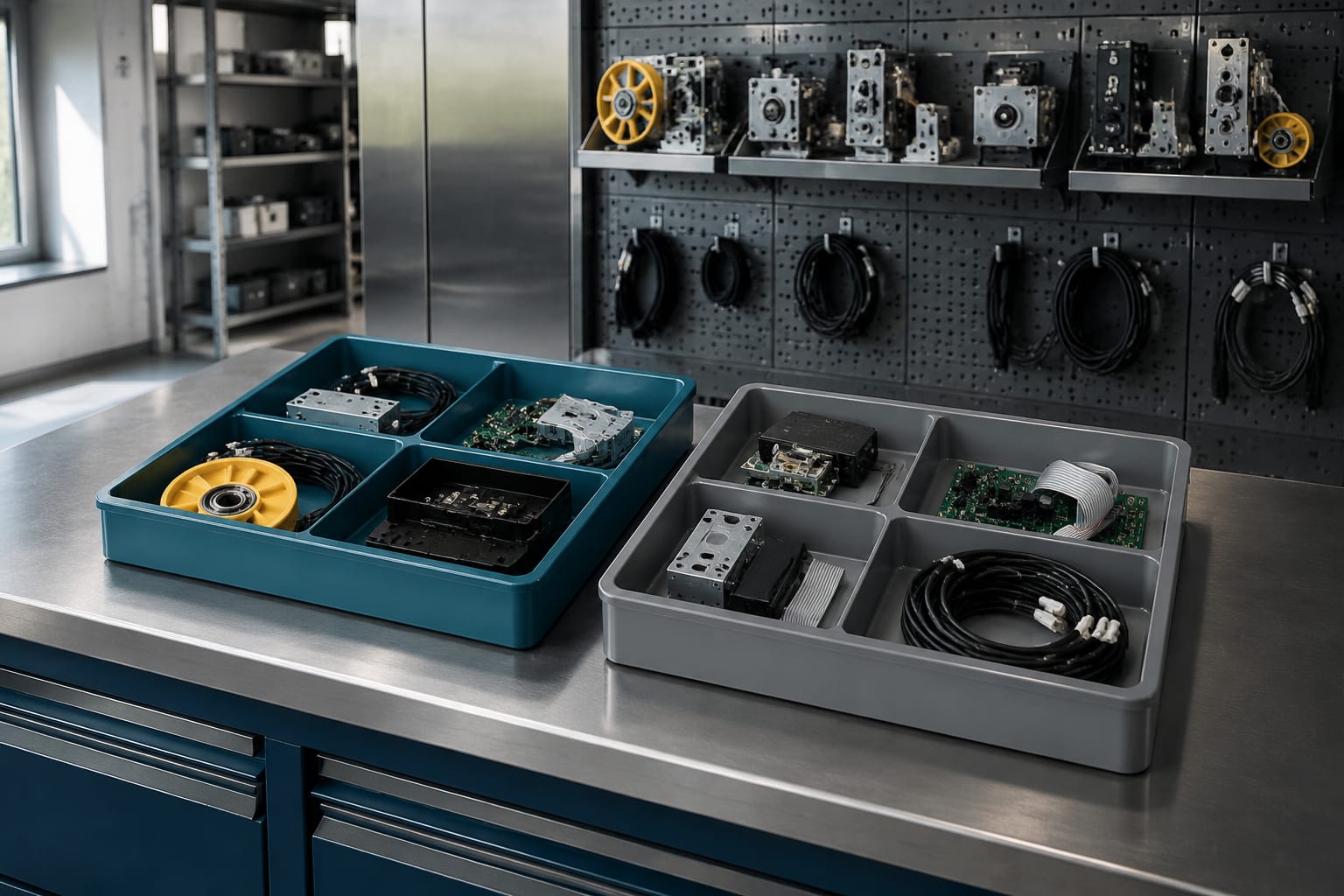
An older and newer revision may be physically similar, but a revision change can alter circuitry, connector mapping, firmware expectations, or supported accessories. Conversely, a later revision may be a valid replacement only under defined conditions. That relationship must be confirmed from applicable technical information or by a qualified supplier review; it should never be assumed from the revision sequence.
Do not alter jumpers, switches, firmware devices, or component settings just to make an unfamiliar board resemble the removed board. Those settings can be safety-critical or configuration-specific. Preserve the original settings in photographs and consult the equipment documentation before making changes.
Check voltage, connectors, and protocols
After matching the part number and board function, verify the interfaces that allow the board to operate safely in the particular elevator system. A physically installable board can still be electrically or logically incompatible.
Verify electrical characteristics
Read the markings on the board, controller drawings, and connected power supplies. Confirm:
- Nominal supply voltage and whether it is AC or DC
- Input and output voltage ranges
- Polarity for DC connections
- Fuse type and rating specified for the circuit
- Grounding or shielding arrangements
- Signal levels for inputs, outputs, encoders, and sensors
- Expected load type, such as relay, lamp, coil, or electronic input
Voltage is not the only electrical consideration. A board may receive the same nominal supply but use different reference, common, or isolation arrangements. Follow the applicable wiring diagram rather than relying on connector colors or terminal placement alone.
Inspect connectors and pin assignments
Connector matching requires more than confirming the plug fits. Check the connector designation, number of positions, keying, pin assignment, wire destination, and harness condition.
A connector may be mechanically compatible while routing different signals. Forcing a mismatched plug, moving pins without documentation, or adapting a harness informally can introduce equipment damage and hard-to-diagnose faults.
When comparing photographs, look for:
- Connector labels such as CN, X, J, or terminal block identifiers
- Keyed corners, blank positions, and locking features
- Pin counts and numbering direction
- Orientation marks
- Signs of heat, corrosion, damaged latches, or repaired wiring
- Differences between the controller drawing and field wiring
Confirm communication compatibility
Communication boards and intelligent modules need an additional review because they depend on the controller’s communication method and system configuration.
Confirm the applicable:
- Network or protocol type
- Cable and connector style
- Node or board addressing requirements
- Termination requirements
- Firmware or software compatibility
- Controller generation
- Related car, landing, drive, or door equipment
Do not assume that a board using a familiar serial cable or similar connector shares the same communication protocol. Elevator systems often use product-family-specific communication arrangements that require the correct board, configuration, and connected equipment.
Source Sigma drive and communication boards
Sigma drive and communication boards should be sourced from the exact controller or drive context, not from the board category alone. A drive-related board may interface with a specific motor control system, feedback device, brake circuit, or controller command arrangement. A communication board may belong to a particular car network, controller architecture, or fixture configuration.
For a Sigma drive board, provide the drive or controller identification alongside the board label. Include the motor application and any encoder or feedback-device information when relevant. If the symptom involves motor movement, inspect the wider system first: power quality, command signals, safety chain status, motor wiring, brake circuits, and feedback components can all contribute to a drive fault.
For a Sigma communication board, identify what the board connects to. It may serve car equipment, car operating panels, indicators, door devices, or another system segment. Note all connected harnesses and whether the board has addressing or termination settings.
A Sigma elevator driver board is relevant only after the controller and original board identifier have been matched. Likewise, a Sigma car communication board should be evaluated against the board’s network role, connectors, and system generation.
When requesting a replacement, include the following:
- Original board number and revision
- Controller and drive identification
- Clear images of labels and connectors
- Original switch and jumper settings
- Fault code or observed symptom
- Whether the board is installed in the controller, car, drive, or door system
- Any modifications or replacements previously made to the elevator
Source KONE-specific components
KONE-specific components require the same discipline: identify the exact equipment family and component before selecting a replacement. Broad descriptions such as “KONE main board,” “KONE door board,” or “KONE drive card” are usually insufficient for a purchase decision.
Match the original component’s full label with the controller documentation and the actual installation. This is especially important when the elevator has a long maintenance history, a partial modernization, or replaced door, fixture, or drive equipment.
For KONE components, confirm:
- The controller family and cabinet configuration
- Exact part and assembly numbers
- Hardware revision and visible software identifiers
- Related drive, door, or car equipment
- Connector labels and harness configuration
- Supply voltage and signal interfaces
- Any required configuration, commissioning, or software process
Some replacement decisions may require equipment documentation, authorized technical support, or qualified commissioning capability. A correctly matched hardware board may still need configuration before it can operate as intended. Do not represent an unverified board as a direct replacement simply because its label is similar.
For power-related replacements, compare the exact board label, power role, supply markings, connector arrangement, and applicable wiring documentation. A Sigma elevator power board is an example of a product category that must be identified by the specific equipment application rather than selected by name alone.
Final compatibility checklist
Use this checklist before placing an order for any KONE or Sigma elevator part:
- Confirm the elevator’s actual controller and product family.
- Read the original component’s full part number directly from its label.
- Record the board name, PCB code, and revision or issue number.
- Compare the original component’s function, not just its physical appearance.
- Confirm supply voltage, polarity, and applicable electrical ratings.
- Compare all connector labels, pin counts, keying, and wiring destinations.
- Verify communication protocol, network role, and addressing requirements where applicable.
- Check related equipment, including the drive, door operator, car equipment, and feedback devices.
- Document jumpers, switches, and firmware labels before removal.
- Review fault symptoms for upstream power, wiring, or peripheral-device causes.
- Confirm whether configuration or commissioning is required after installation.
- Retain photographs, labels, and service records with the work order.
The right KONE Sigma replacement is the one that matches the installed system’s documented identity and interfaces, not simply the one that appears closest. For multi-brand sourcing, Kelevator supplies elevator spare parts for B2B importers, distributors, maintenance contractors, modernization companies, and OEM buyers. Provide the part-identification record with the inquiry so the component can be evaluated against the actual equipment rather than a generic board description.
Related product references
For practical catalog examples related to this topic, review Elevator Driver Board SIGMA elevator parts lift accessories, Car communication board SIGMA elevator parts, and Power Board SIGMA elevator parts lift accessories. Confirm the exact model, dimensions, ratings, and connectors before ordering.